



Select Your Model
Remote Manuals
Choose your remote generation to view the full setup guide and pairing instructions.
Classic
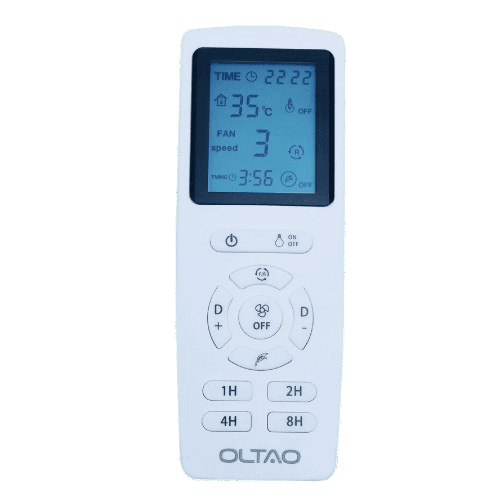
OLTAO Gen3
Gen 3The original Oltao remote — reliable 2.4GHz pairing for everyday control.
Advanced
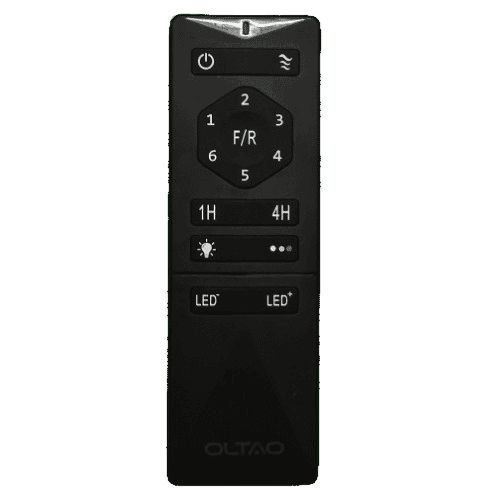
OLTAO Gen4.1
Gen 4.1Enhanced frequency stability and wider pairing range for larger spaces.
Latest
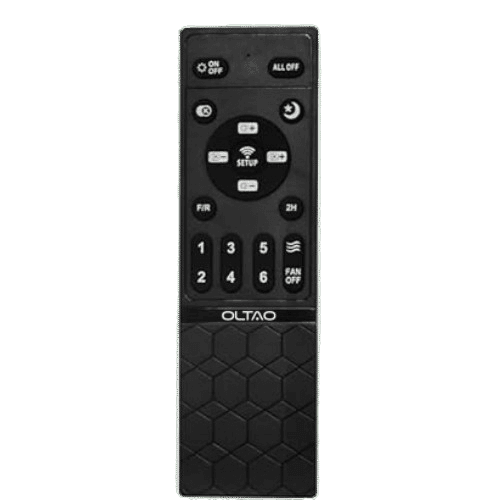
OLTAO Gen4.2
Gen 4.2Our most responsive remote with app-sync support and instant response.
Step 01
Pairing
Press and hold the SYNC button on your remote for 3 seconds while the fan is powered on. The fan will beep once to confirm pairing.
Step 02
Unpairing
Press ALL OFF on the remote, then hold SYNC for 5 seconds. The fan will beep twice. This clears all stored remotes.
Step 03
Troubleshooting
If the fan doesn't respond, power cycle it, then re-pair. Ensure no other 2.4GHz devices are interfering during pairing.